Virtual staging for listings
Stage empty listing photos in a minute.
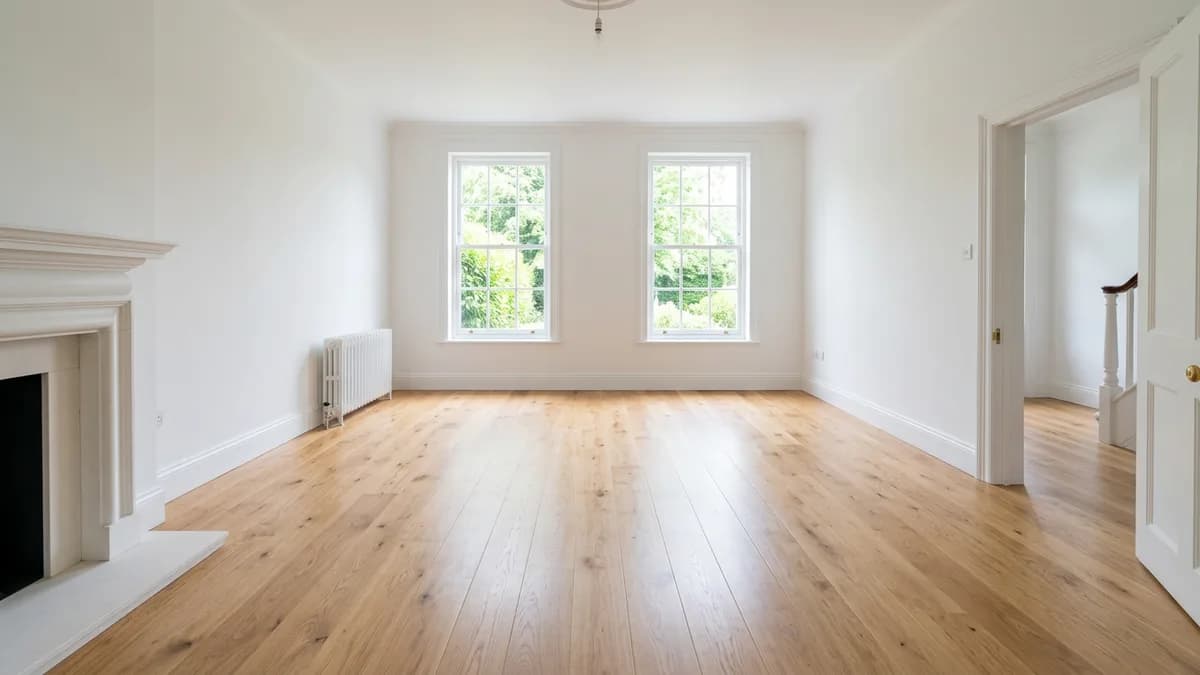
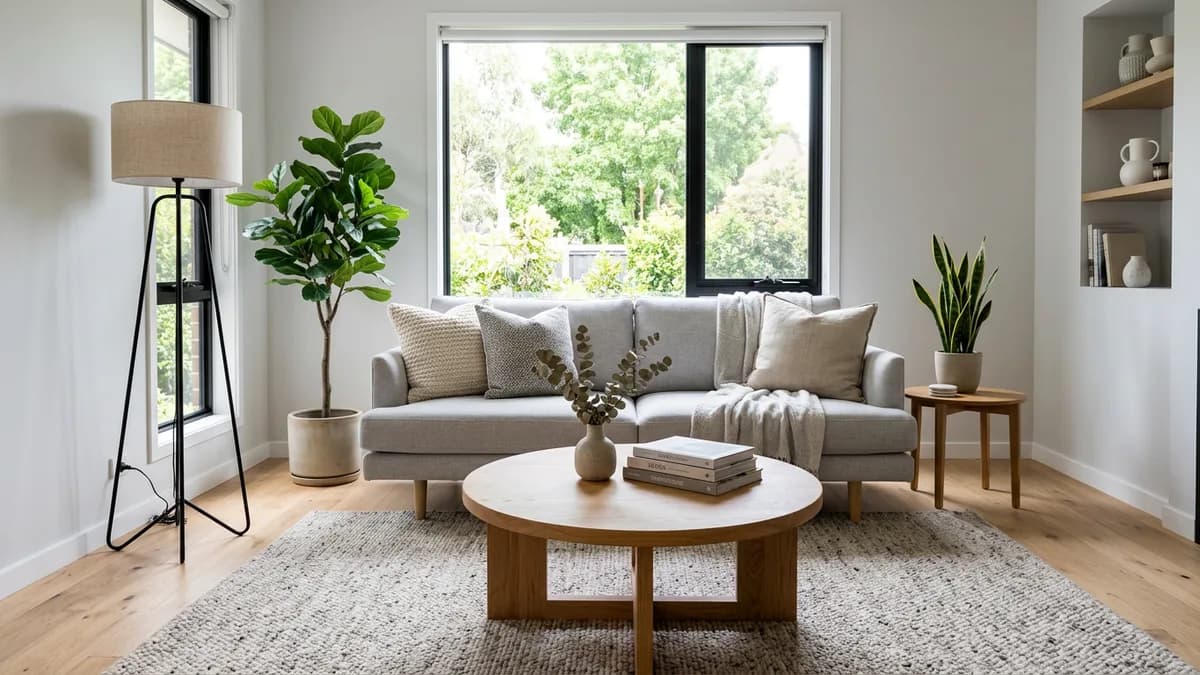
Upload a photo of an empty room, pick the room type and style, and get a furnished, photorealistic version — same walls, windows and floor. No designer, no subscription.
4 free photos · no card needed
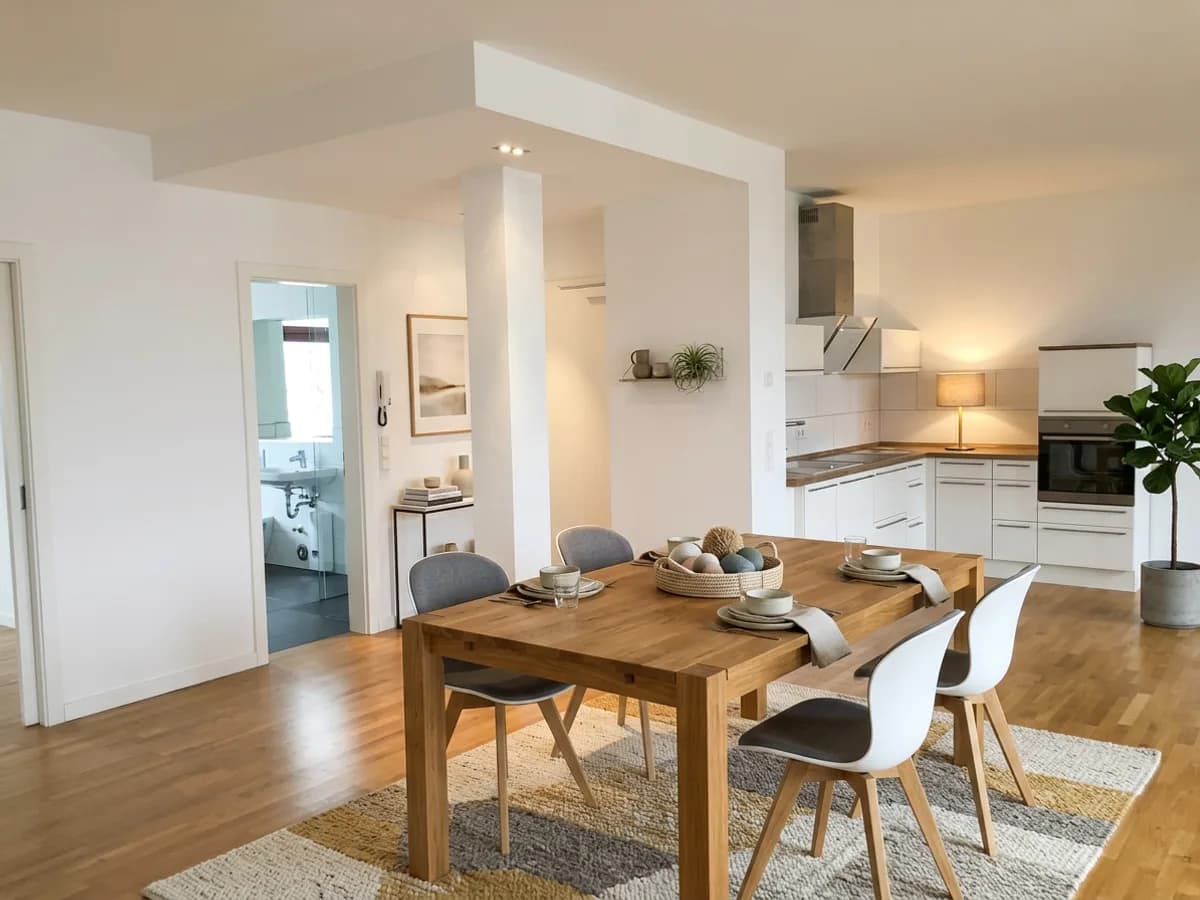
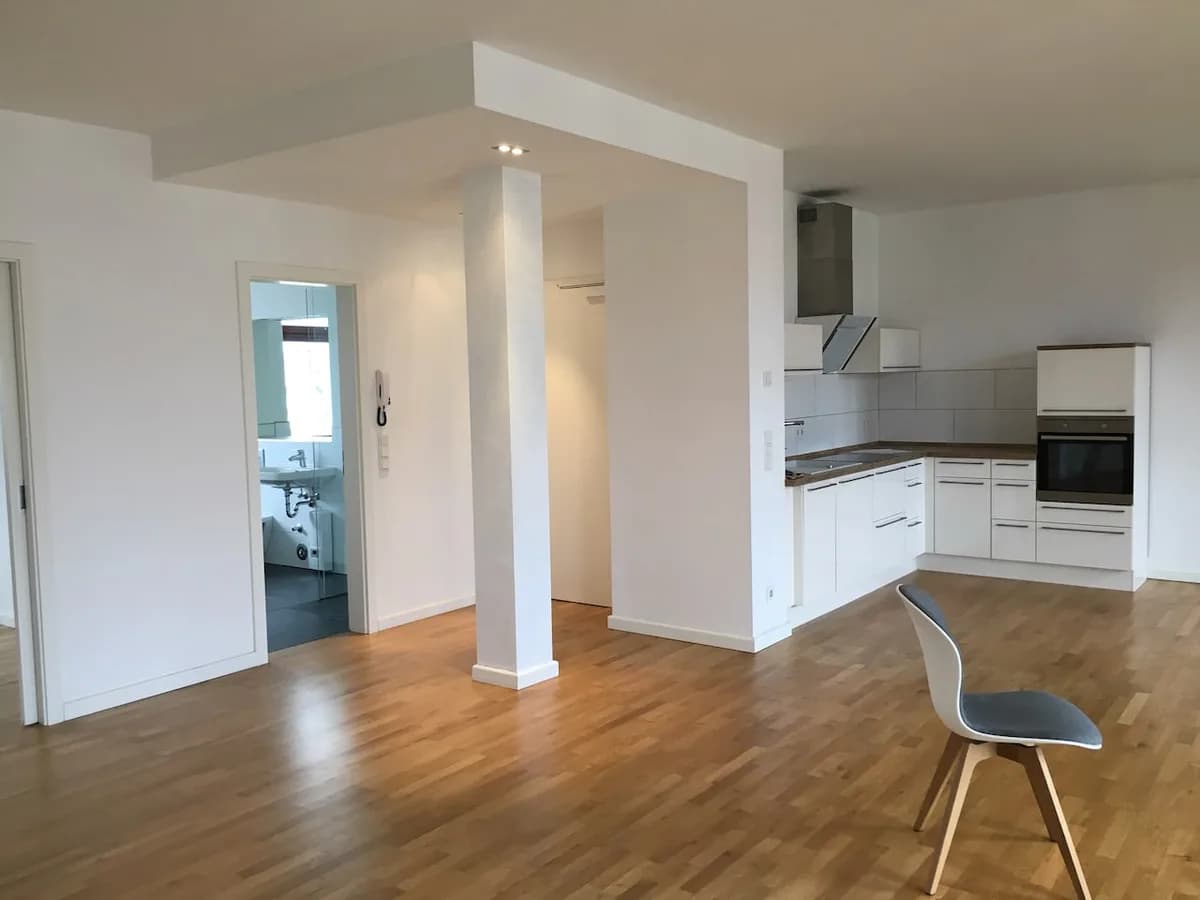
Four tools for listing photos
Each one edits your own photo. Nothing is drawn from scratch, so the room stays the room you're selling or renting.
Stage an empty room
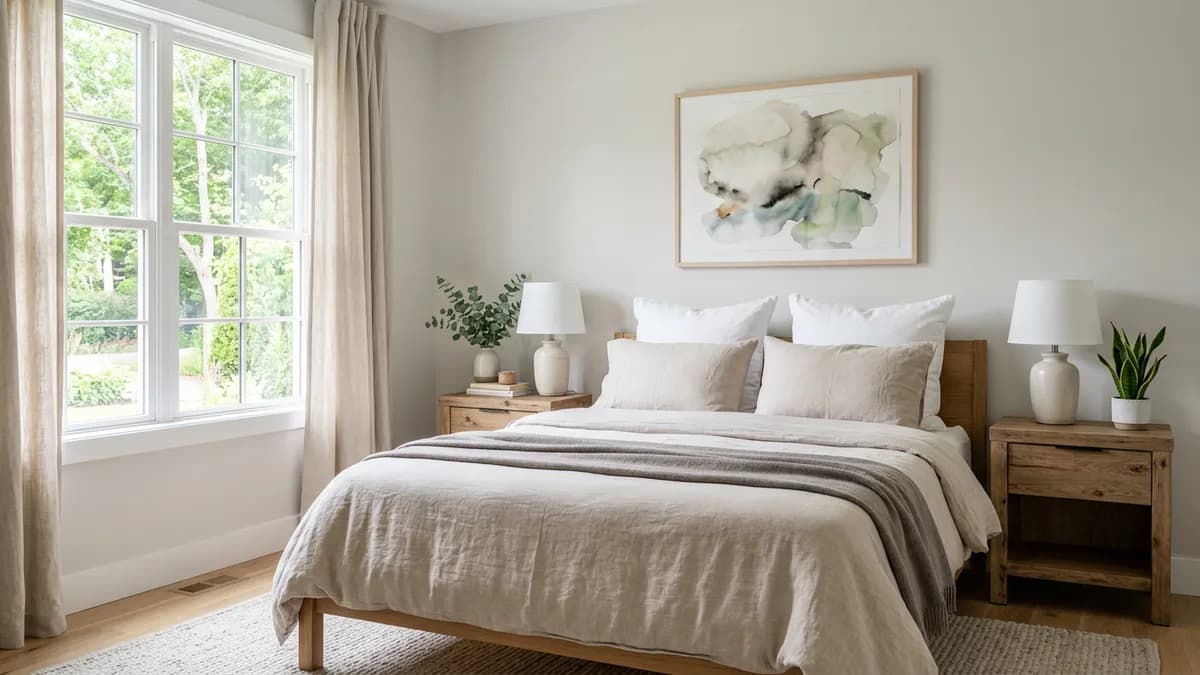
Furniture, rug, lamps and decor sized to the real room. Choose living room, bedroom, kitchen and more, in seven styles.
Remove furniturebeta
Clear old furniture and clutter so the room is ready to stage. Check that windows and doors stayed put.
Walls & floor
Show the room with fresh paint and a new floor from a fixed palette. Furniture stays as it is.
Restyle a furnished room
Swap dated furniture and finishes for a modern look, from the same angle.
Real results, unedited
Real EmptyRoomStaged outputs on public photos. Drag the handle on each one to compare.
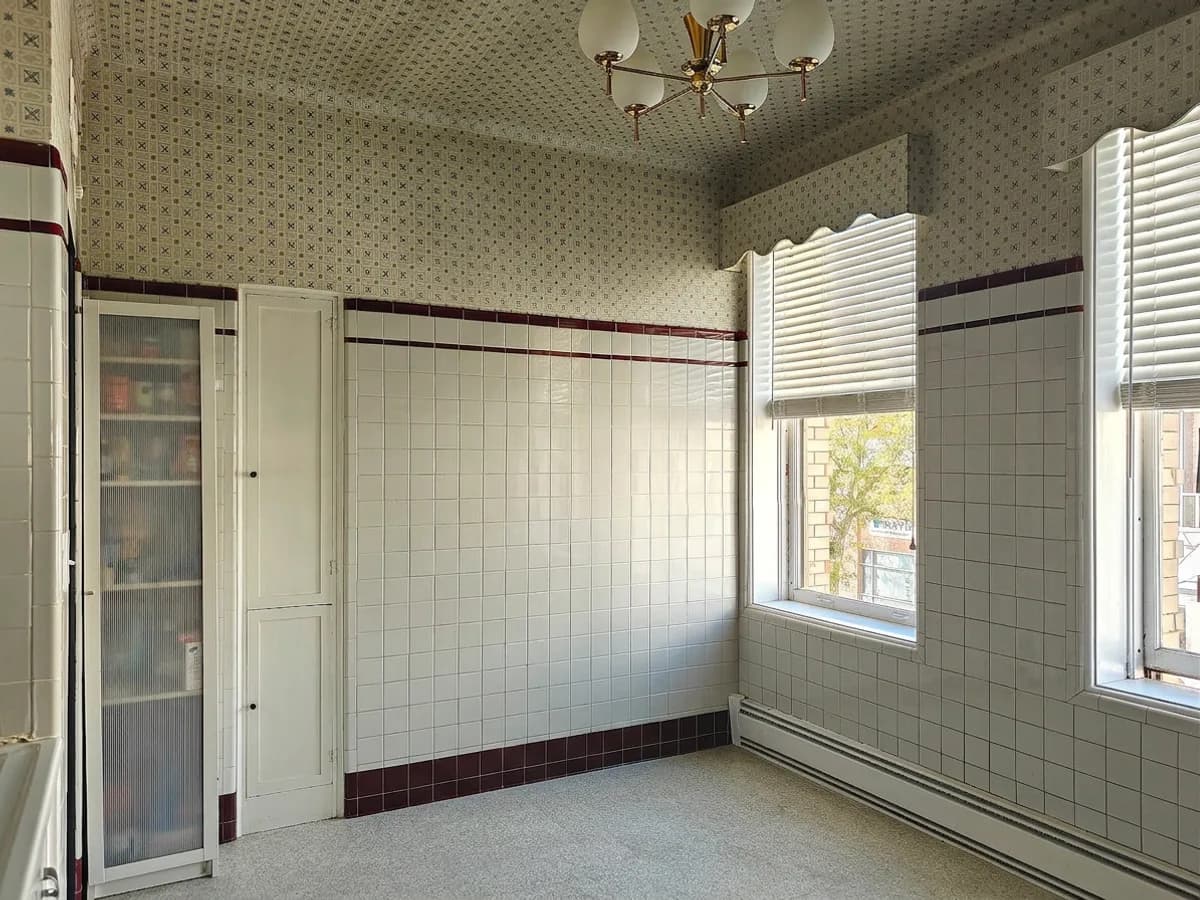
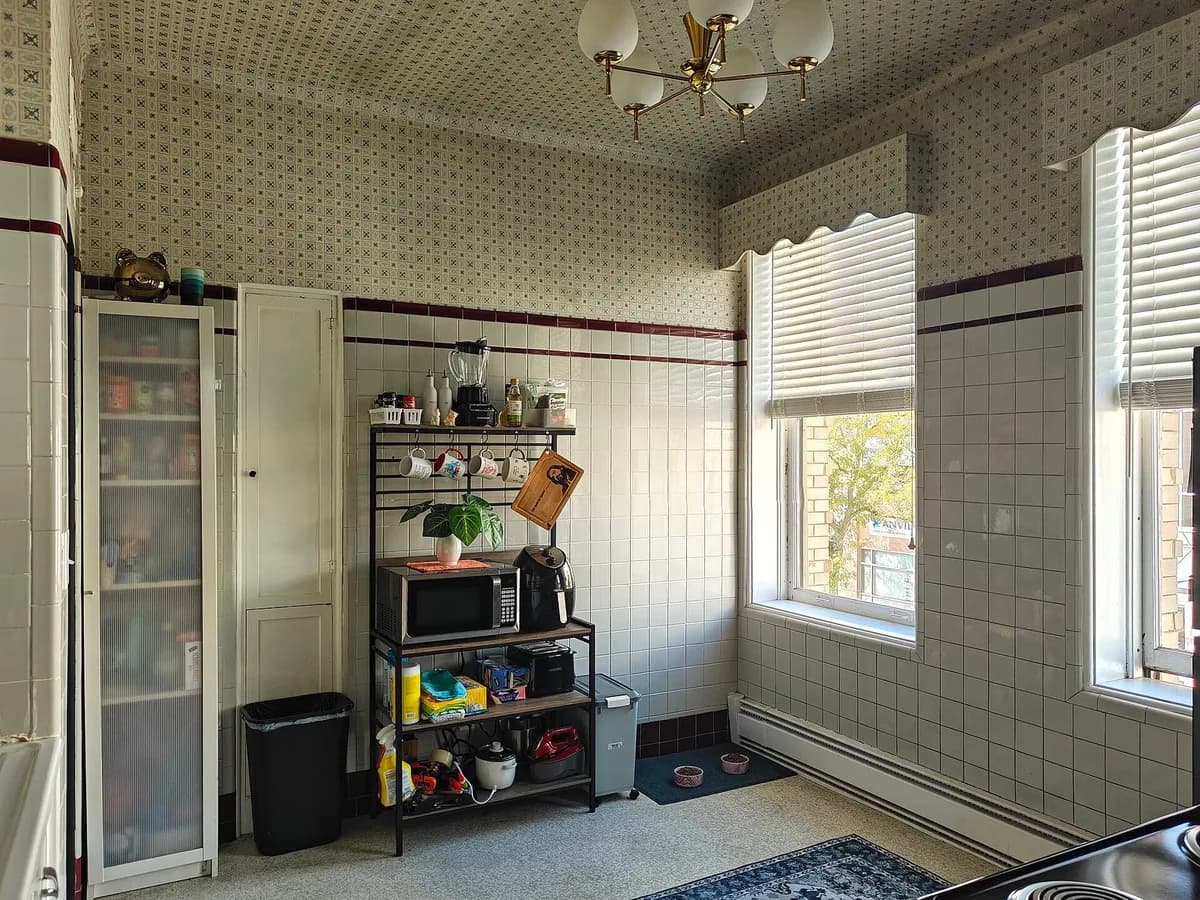
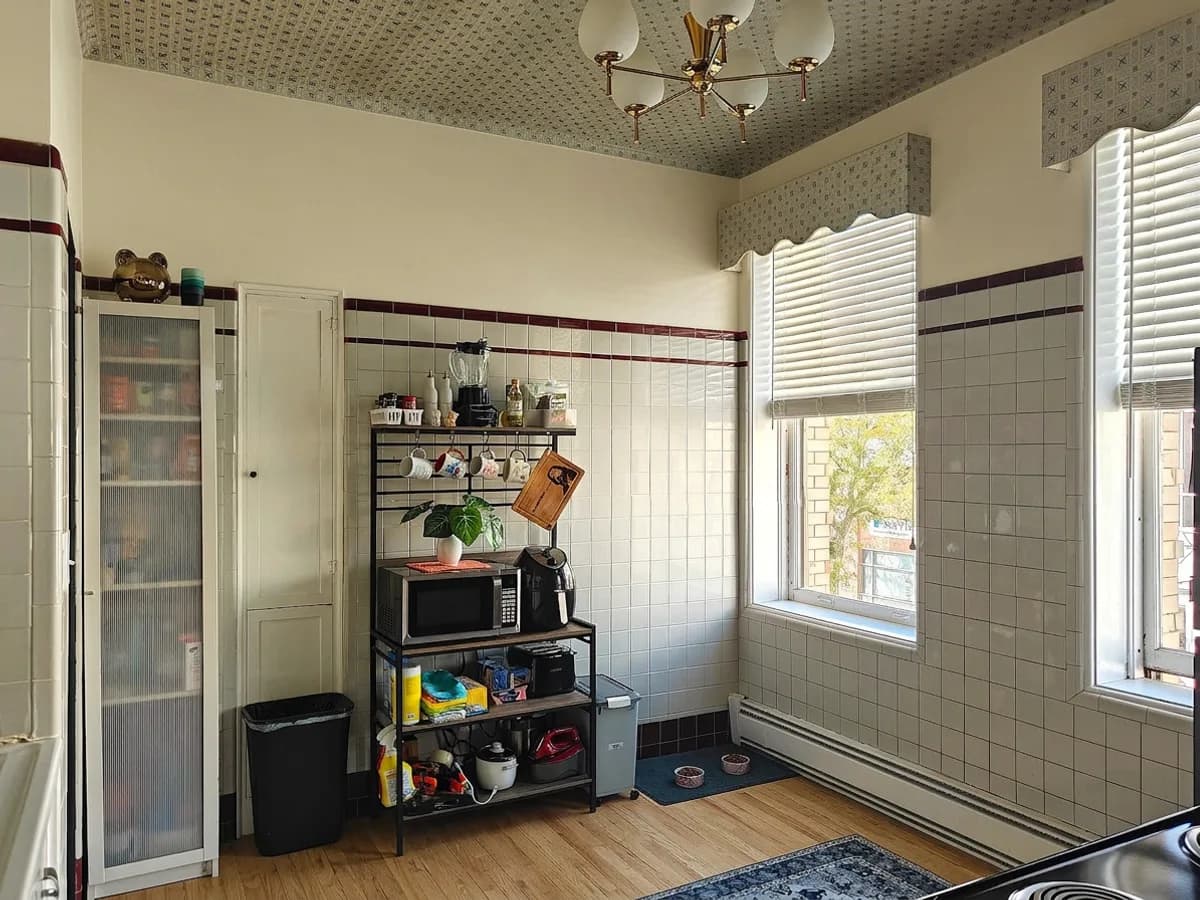
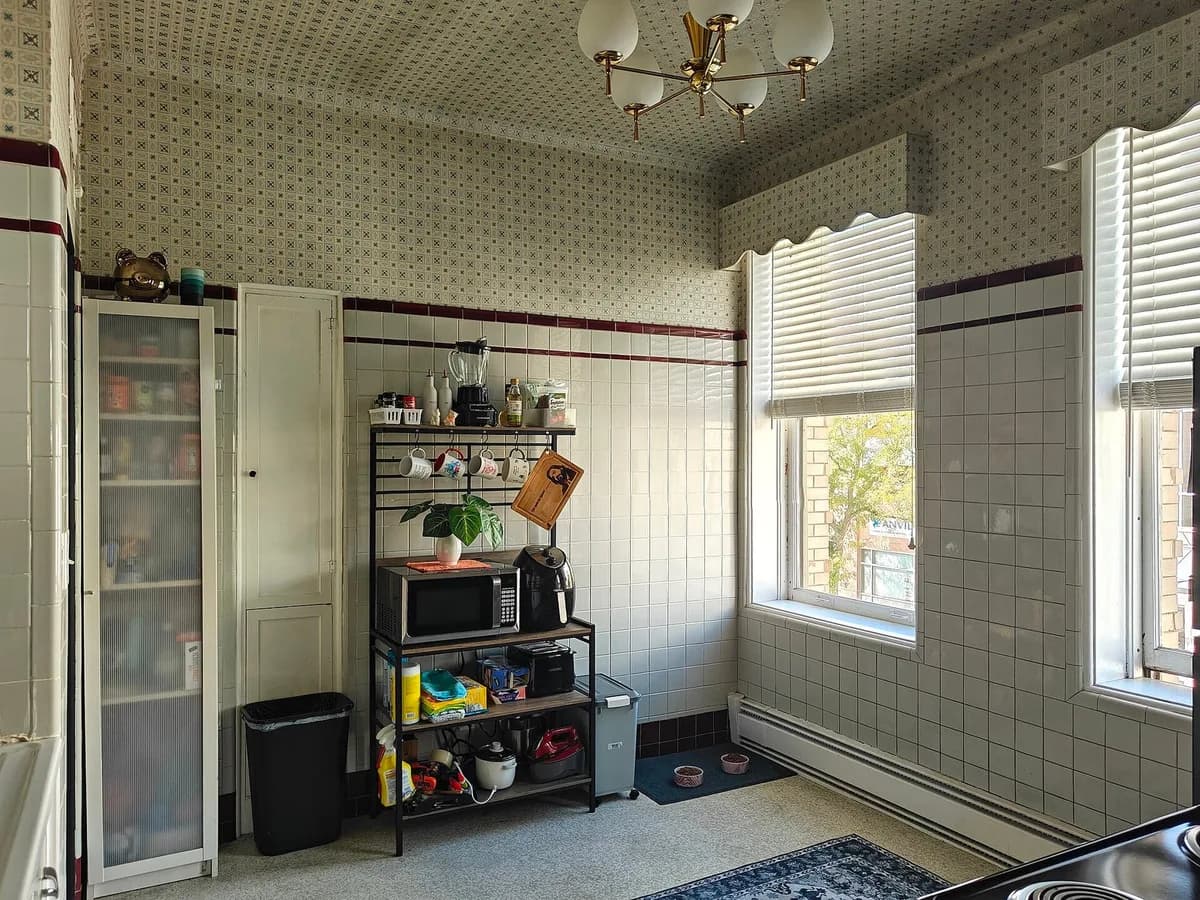
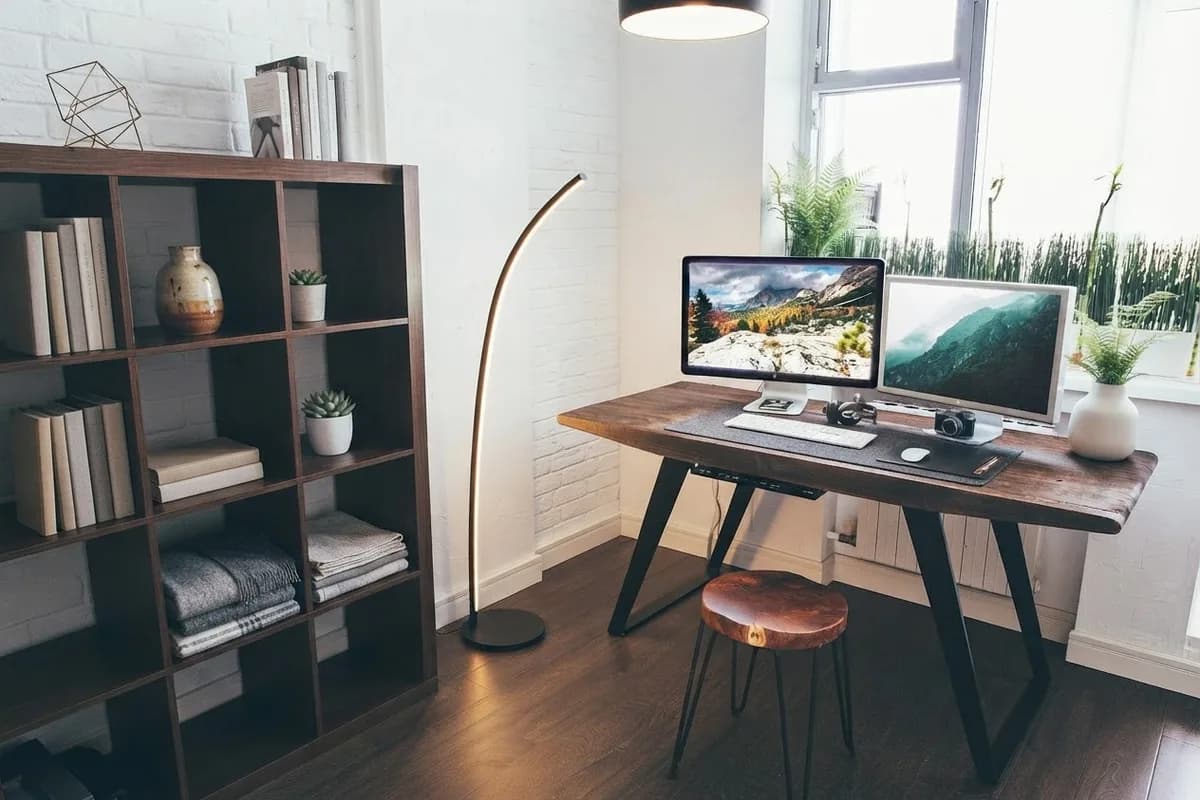
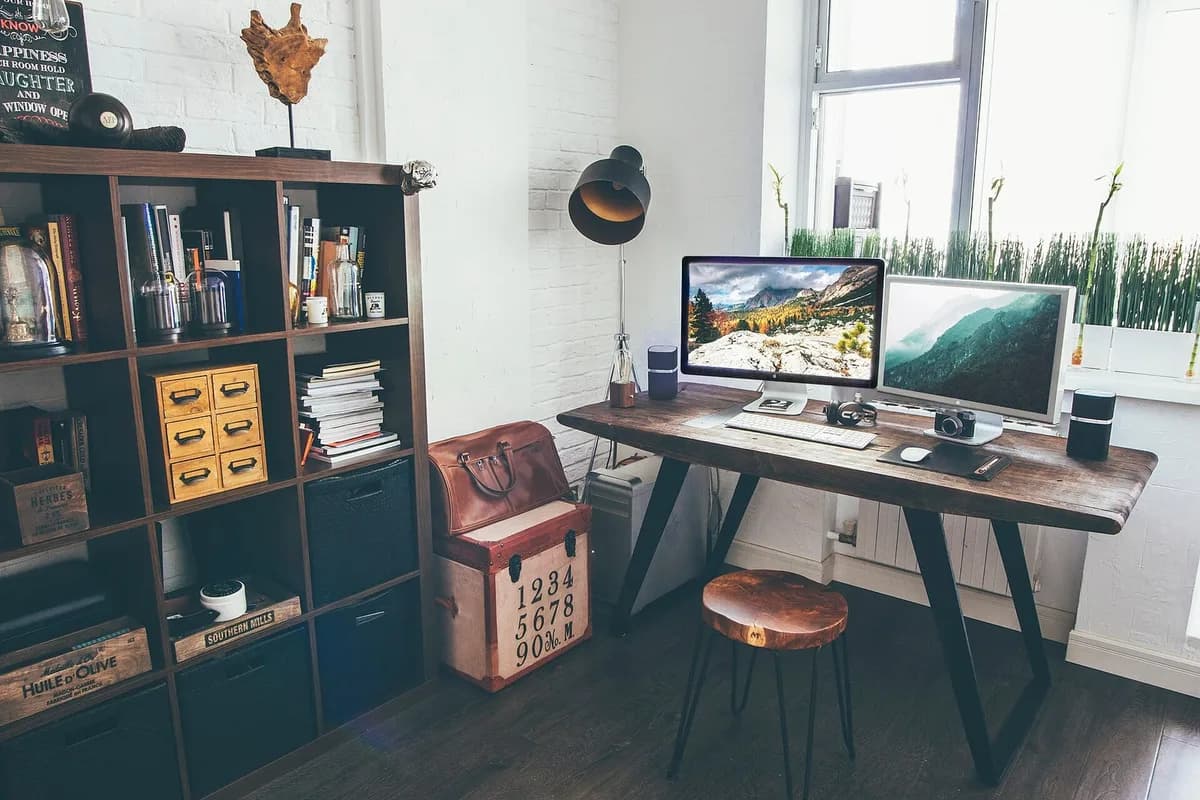
Originals are CC0 photographs from Wikimedia Commons. Sources: dining area, kitchen, home office.


.jpg)
How it works
1.Upload the listing photo
A phone or camera shot of the room, straight on or from a corner. JPG, PNG or WebP up to 15 MB.
2.Pick the room and style
Living room, bedroom, kitchen, office — warm modern, Scandinavian, coastal and more.
3.Download a 2K image
About 2400 × 1800 px, sharp enough for listing sites. Compare with the original before you publish.
Stage it honestly.
Buyers trust staged photos when they know what they're looking at. A few habits keep it that way.
- Label staged photos
- Most MLSs ask for virtually staged photos to be marked as such, and California (AB 723) requires it. Add “Virtually staged” to the caption.
- Keep the original
- Download the empty-room photo next to the staged one, so you can show both when a rule or a buyer asks.
- Furniture, not square footage
- Staging adds furniture and decor. It isn't meant to change walls, windows or views — check each result before you publish.
- Your photos stay yours
- Only you see your uploads and results. Originals are deleted after 30 days, and we never use them to train AI models.
Priced per listing, not per month
Your first 4 photos are free. After that, buy a pack when you have a listing — no subscription, and credits never expire.
Start with 4 free photos
Enough to stage a room or two and judge the quality. No card needed. Paid packs are coming soon.
1 listing
One-off pack · no subscription
$12.00
- ≈ 10 finished photos, with a retry for every other one
- 15 photos, paid once
- ≈ 80¢ per photo
- Credits never expire
- No subscription
most popular
3 listings
One-off pack · no subscription
$29.00
- ≈ 30 finished photos, with a retry for every other one
- 45 photos, paid once
- ≈ 64¢ per photo
- Credits never expire
- No subscription
Agent pack
One-off pack · no subscription
$69.00
- ≈ 100 finished photos, with a retry for every other one
- 150 photos, paid once
- ≈ 46¢ per photo
- Credits never expire
- No subscription
Prices in US dollars. Taxes may apply depending on your country and are shown at checkout.
1 credit = 1 staged photo (one generation; a retry uses another credit).
Payments are processed by Creem, our merchant of record.
See the refund policy.
Guides
Help with listing photos
How to remove furniture from a room photo
Three ways to remove furniture and clutter from a room photo — phone tools, AI room clearing and human editors — and what to disclose on a listing.
4 min read
Virtual staging disclaimer: what to write on listing photos
What a virtual staging disclaimer should say, where it goes, what California's AB 723 adds from 2026, and which edits MLS rules allow.
5 min read
Virtual staging cost per photo: AI, human and physical staging
What virtual staging costs per photo with AI tools and human editors, how that compares with renting furniture, and how to budget a listing.
5 min read
Questions
In most markets, yes, as long as it's disclosed. Many MLSs require virtually staged photos to be labeled, and California's AB 723 (from 2026) also requires the unaltered original to be available. Check your MLS rules before you publish.
It shouldn't. Every mode edits your own photo and is told to keep the walls, windows, doors and floor where they are. AI can still slip — say, move a window — so compare each result with the original and run it again if something moved.
Bright, level photos of the whole room, taken from a corner or straight on, at least 1200 px wide. Empty rooms work best for staging; for a furnished room use Remove furniture first, or Restyle.
Your first 4 photos are free. Paid packs open soon: 15 photos for $12, 45 for $29 or 150 for $69 — credits never expire and there's no subscription. One staged photo is 1 credit; a retry uses another.
Yes. You can use your results for personal and commercial purposes — listings, flyers, social posts — as long as you have the right to use the original photo.
EmptyRoomStaged is an independent service built on third-party AI image models — currently Google's Gemini models, accessed through OpenRouter. It isn't affiliated with or endorsed by Google. Your photos are never used to train AI models.
Stage your next listing tonight.
Sign in with your email and stage your first 4 photos free. No card, no subscription.