Virtual staging on Zillow and the MLS: what the rules say
Published · 6 min read
Yes, you can put virtually staged photos on Zillow and the MLS. The limit is the same wherever a listing shows: every photo must present a true picture of the property, and any virtual edit — adding furniture, repainting a wall, swapping flooring — has to be disclosed in the photo caption or the listing remarks. The REALTOR® Code of Ethics requires honest advertising, several state laws now spell this out for virtually staged media, and most local MLSs add their own labelling rule on top. Rules differ by MLS, so check your own rulebook before you upload.
Can you put virtually staged photos on Zillow?
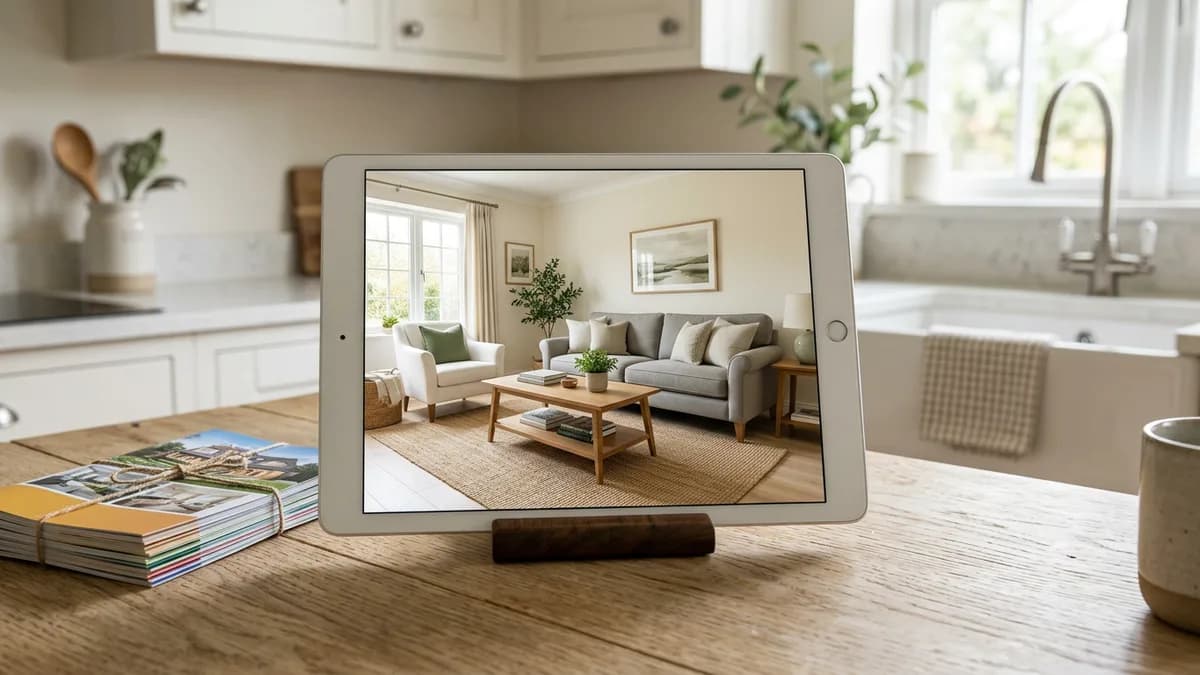
In practice, yes. Zillow pulls most listings from the local MLS, and virtually staged photos are an accepted part of a listing almost everywhere — provided they are labelled honestly. The same applies to agent-uploaded listings and syndicated feeds to other portals. There is no national law that says "you cannot show a staged photo"; there are rules that say "you cannot show a photo that misleads the buyer." That is a much more useful way to think about the limit.
What never changes: the room on screen has to be the room buyers walk into. The architecture (walls, windows, floor, perspective) must be the real room; only the furniture, decor and finishes may be virtual, and the fact that they are virtual must be visible to anyone looking at the listing.
What NAR requires: a true picture
NAR's Code of Ethics, Article 12, is the rule most agents are judged against. The 2025 Standards of Practice say: "REALTORS® shall be honest and truthful in their real estate communications and shall present a true picture in their advertising, marketing, and other representations." That one sentence drives everything in listing media — including virtual staging.
Honest, in practice, means two things.
- Disclose the edit on the photo. A short label such as "Virtually staged" sitting on or beside the image is enough. The buyer should see it at the same time they see the furniture, not three photos later.
- Keep the architecture true. Do not restyle away flaws, re-colour a wall without saying so, or add windows or ceilings that are not there. Our virtual staging disclaimer guide covers wording and placement.
What state law adds
A growing number of states now spell this out in statute. California's AB 723 (Chapter 497, Statutes of 2025) added a specific disclosure obligation for virtually staged real-estate media: an edited photo in a listing must be labelled as such, and the licensee is responsible for the label travelling with the photo wherever it syndicates — Zillow included.
Other states lean on their advertising-honesty rule and REALTOR® obligations rather than naming virtual staging directly. The practical answer is the same: if your state has a specific statute, follow its exact wording; if it does not, the Article 12 "true picture" standard still applies.
Tip: If a listing goes to Zillow via the MLS, the photo caption and listing remarks travel with it. Put the disclosure in both places, so a buyer who looks at only one of them still sees it.
MLS rules vary — check your own rulebook
Beyond NAR and state law, your local MLS has its own listing-media rules. The variations matter because the MLS is usually what hands your listing to Zillow and the other portals. Common differences you will find in rulebooks:
- The exact label text ("Virtually staged", "Digitally enhanced", "Virtual staging") and whether it must be in the photo itself or in the caption.
- Whether an unedited original of the same room must be included in the gallery (several MLSs require it so the real condition is visible).
- Which modes are allowed. Adding furniture and decor is almost universally allowed. Clearing a furnished room, repainting a wall or swapping flooring is more sensitive — some MLSs restrict any edit that changes a surface, not just the furniture.
- Whether removing permanent fixtures or defects (water stains, cracks, outdated fittings) is treated as misrepresentation.
Before you upload a staged photo, open your MLS's current rules of participation (sometimes called a photo policy, listing-media policy or rules of the road) and read the two or three paragraphs that cover staged media. If anything there contradicts a general rule in this guide, your MLS wins.
How to prepare a staged photo for Zillow and the MLS
The workflow below is what keeps a staged photo safe across every portal.
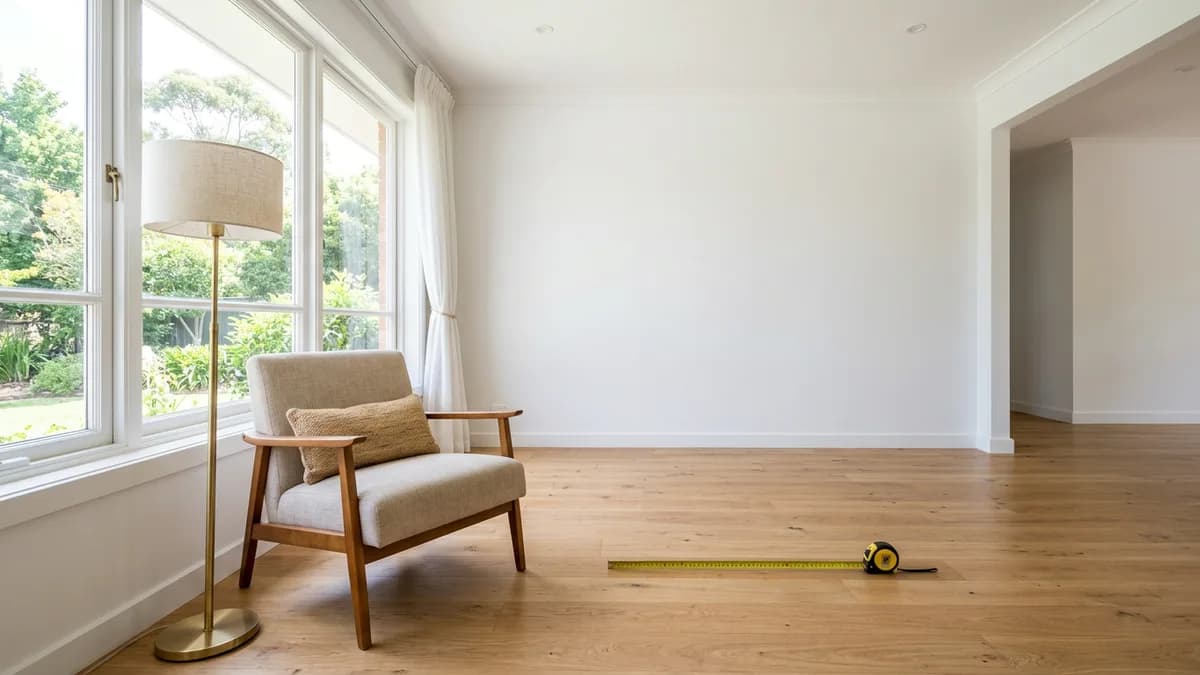
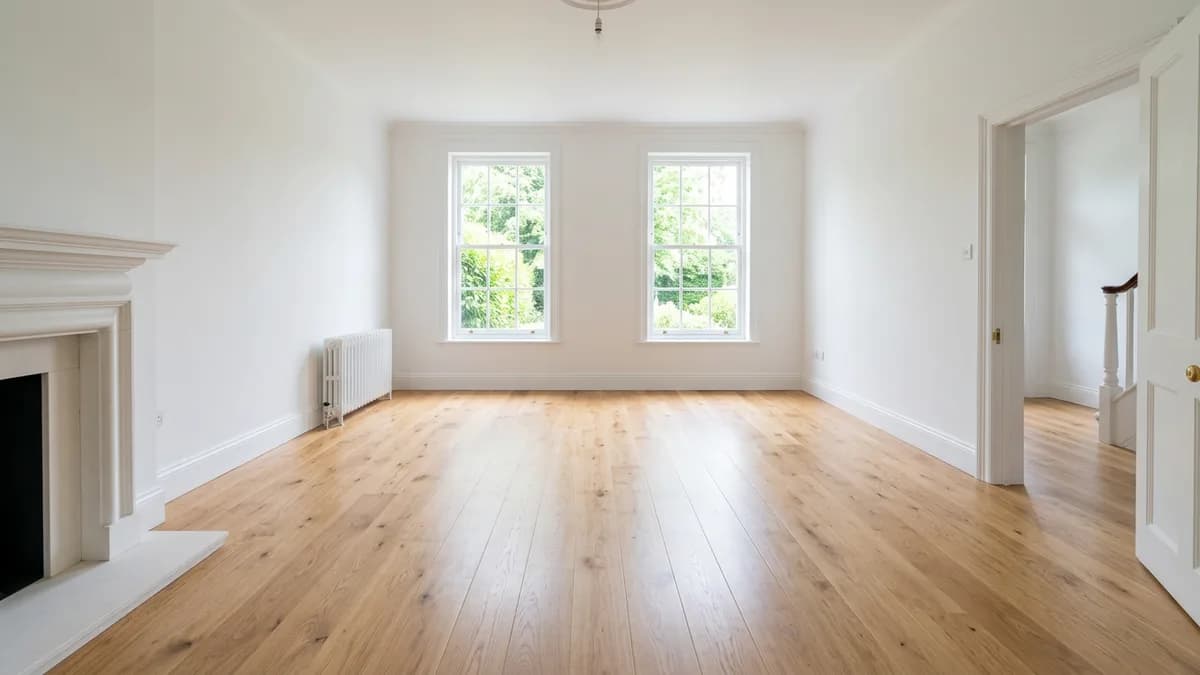
- Start from a clean empty-room photo. If the room is currently furnished, clear it first — see how to remove furniture from a photo. The empty mode in EmptyRoomStaged is in beta; double-check that windows, doors and fixtures stayed in place.
- Stage furniture, rugs, art and decor at realistic scale for the room. Keep walls, windows, floor and perspective as they are.
- Export the staged photo and the original empty photo side by side. Many MLSs want both.
- Add a visible label on the staged image — "Virtually staged" in a legible corner. Pair it with a line in the listing remarks: "Photos marked 'Virtually staged' show virtual furniture. The home is sold vacant."
- Keep the original file. If a buyer or the MLS compliance team asks what was edited, you want the unedited version in your records.
If you are weighing virtual staging against renting real furniture, our virtual staging cost guide breaks down what the two options really cost per listing.
Questions
Yes, in all US states, provided the staged photo is clearly labelled as edited and the room's architecture (walls, windows, floor, perspective) is unchanged. Some states — California for example — have specific disclosure statutes; others rely on general honest-advertising rules.
Yes. Zillow pulls most listings from the local MLS, and staged photos are allowed as long as the MLS's labelling rule is followed and the architecture of the room is true. Add the disclosure to both the photo caption and the listing remarks so it travels with the syndicated listing.
You can upload staged photos produced by any tool as long as they meet your MLS's labelling rules; the MLS feed is what Zillow then displays. Zillow has also partnered with staging providers for premium listings — check Zillow's current help pages for what is bundled with the paid Showcase product.
Short and visible — "Virtually staged" is the usual wording. Some MLSs mandate exact text; check the current rulebook. A matching line in the listing remarks keeps the disclosure attached when the listing syndicates to Zillow, Redfin and other portals.
Several MLSs require it; many more encourage it. Either way, keeping the original makes the staged photo defensible and gives buyers a clear picture of the home as it is today.